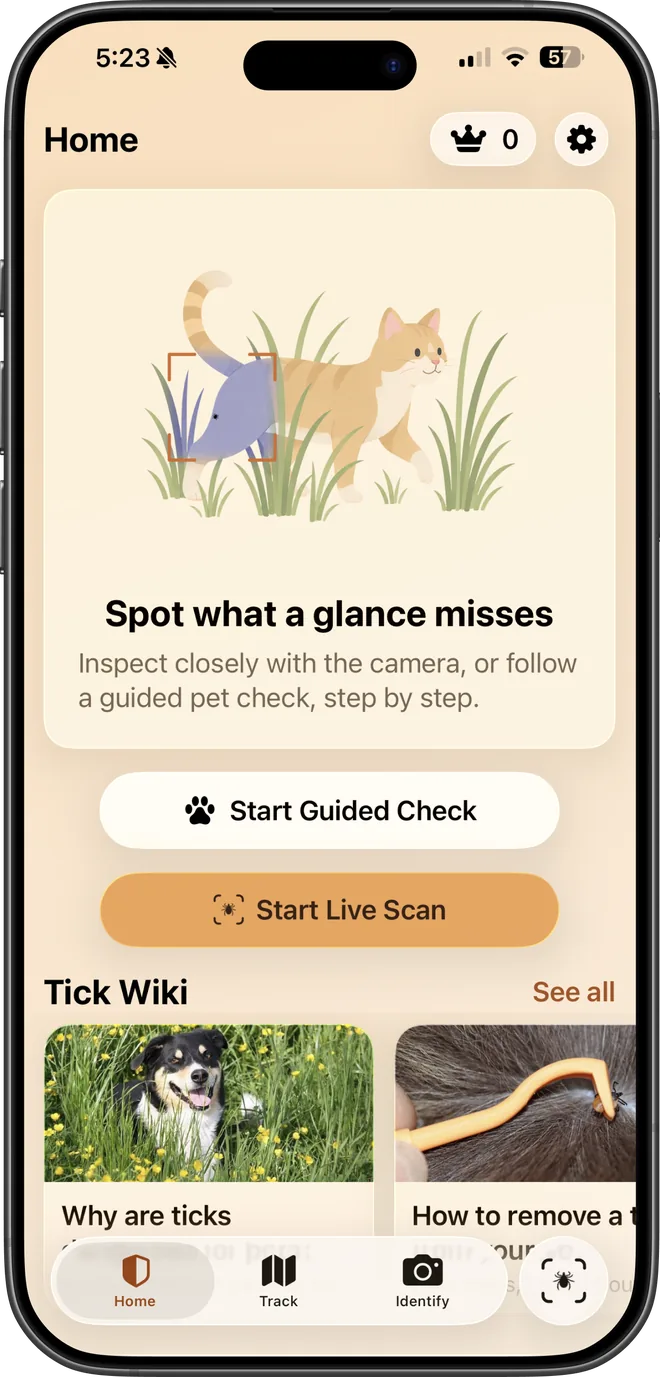
Find the tick. Identify it. Know what to do.

Scan skin and fur with your camera, work through a guided dog or cat check, and get a species identification with the next steps spelled out.

  • Live camera scan
  • Dog & cat checks
  • Species identification
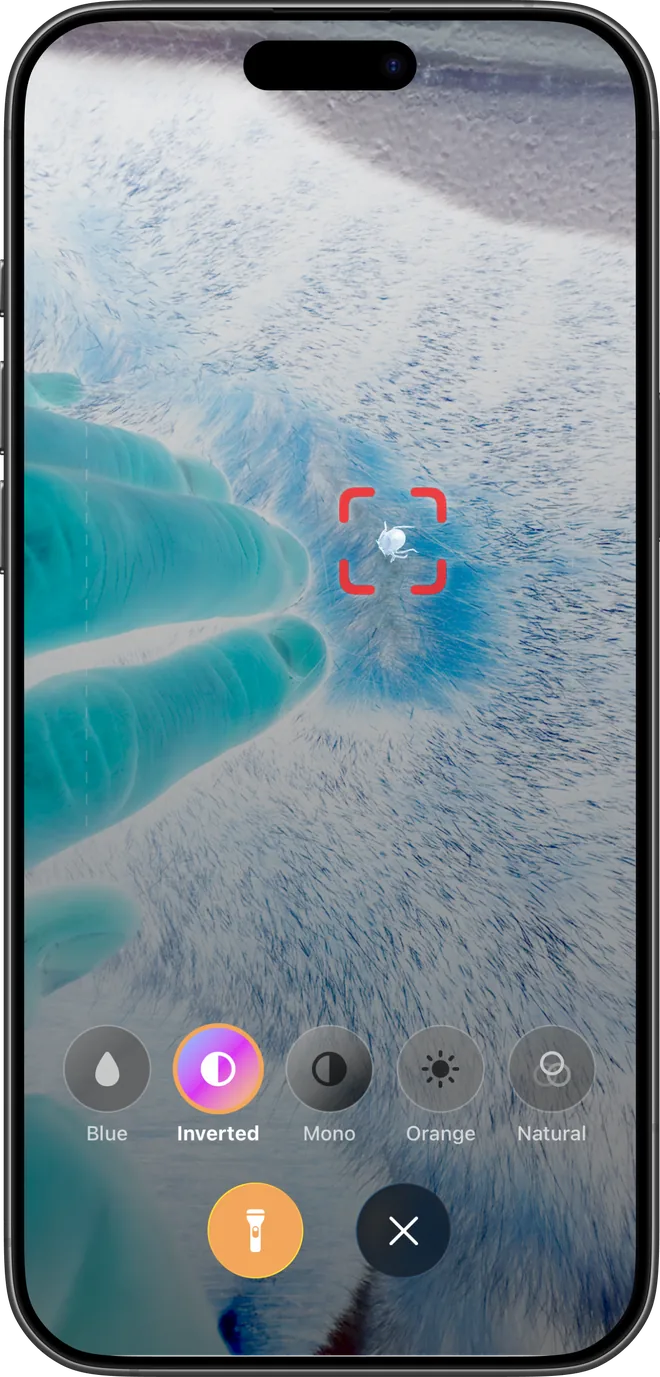
TickSentry Live Scan on an iPhone, with a tick marked by the on-screen viewfinder.

What it does

Four tools for finding and identifying ticks.

Built around the way a real check actually happens. None of them replaces your judgement, a doctor, or a vet.

01

Live Scan

Hold the camera over skin or parted fur and TickSentry marks small, dark candidate regions as you move, with filters and haptic feedback to help you slow down and look properly.

Live Scan uses a local contrast heuristic on your device. It highlights what is worth a second look; it does not decide what is a tick.
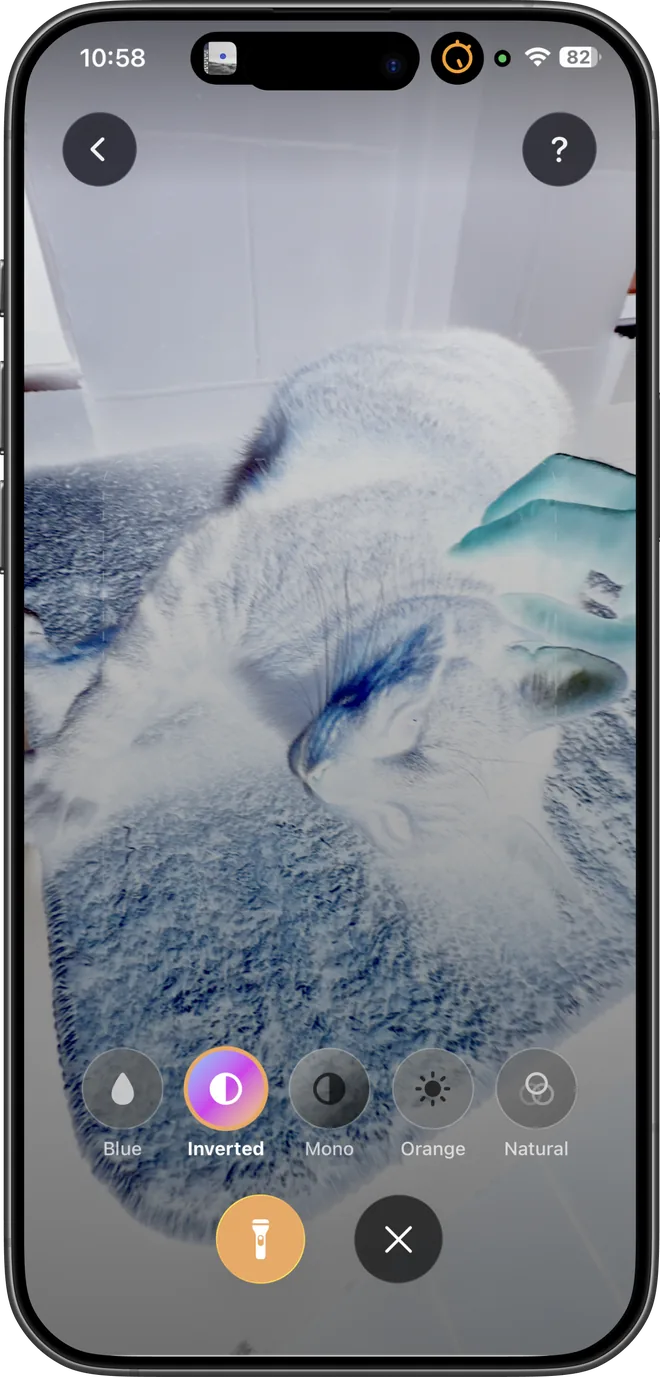
TickSentry Live Scan highlighting candidate regions in cat fur on an iPhone.
02

Guided Check

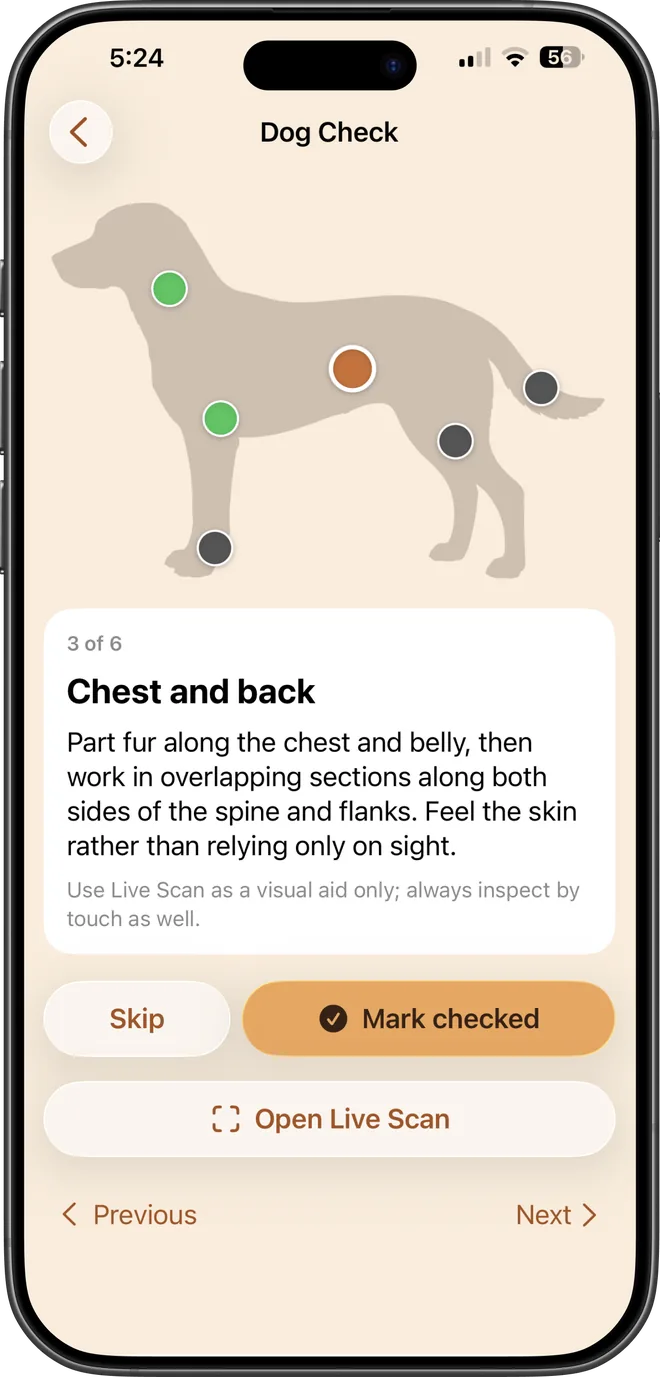
Work through a dog or cat body check section by section (ears, collar, armpits, between the toes) so the commonly missed places are the ones you remember. Progress is saved, so you can stop and pick it up later.

TickSentry guided dog check showing the chest and back step on an iPhone.
03

Identify

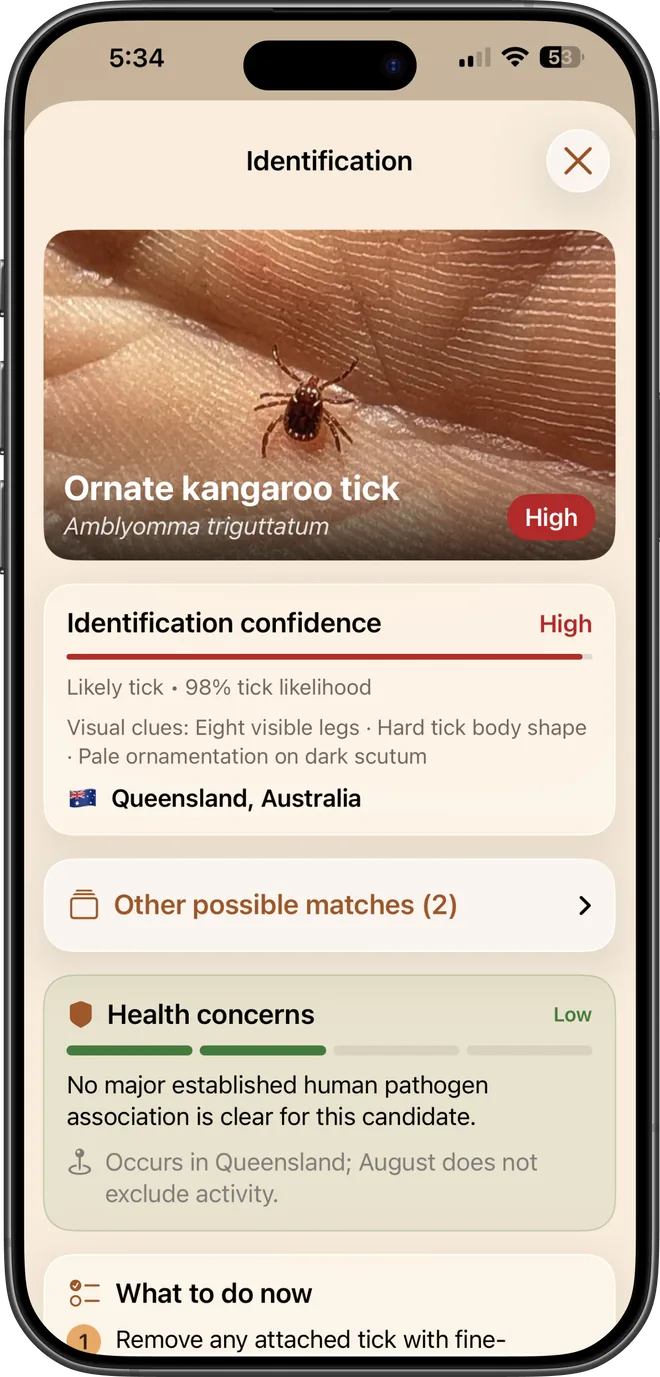
Choose a photo, crop it, and submit it deliberately. You get a species guess with its scientific name and likelihood, the visual clues behind it, common hosts and habitats, alternative candidates, and clear next steps.

Visual assistance only. A species guess is a likelihood estimate, not a diagnosis, and it cannot rule out a tick.

A TickSentry identification result for an ornate kangaroo tick on an iPhone.
04

Track

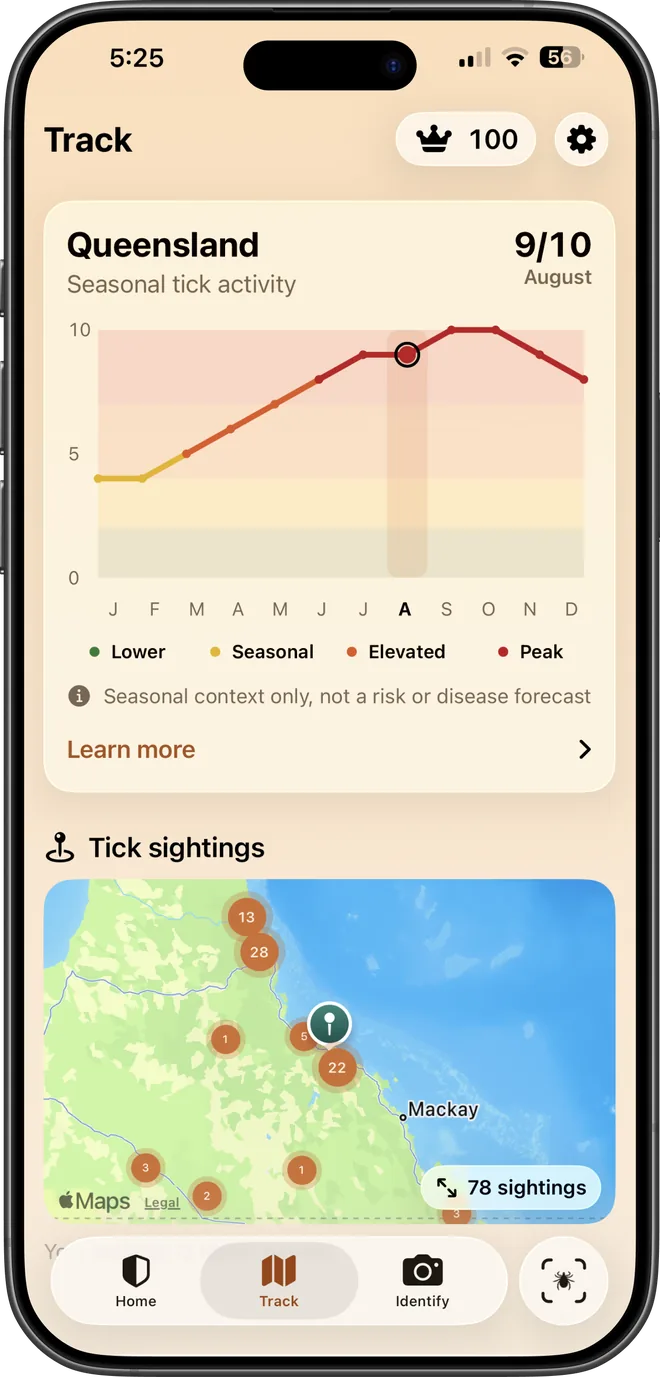
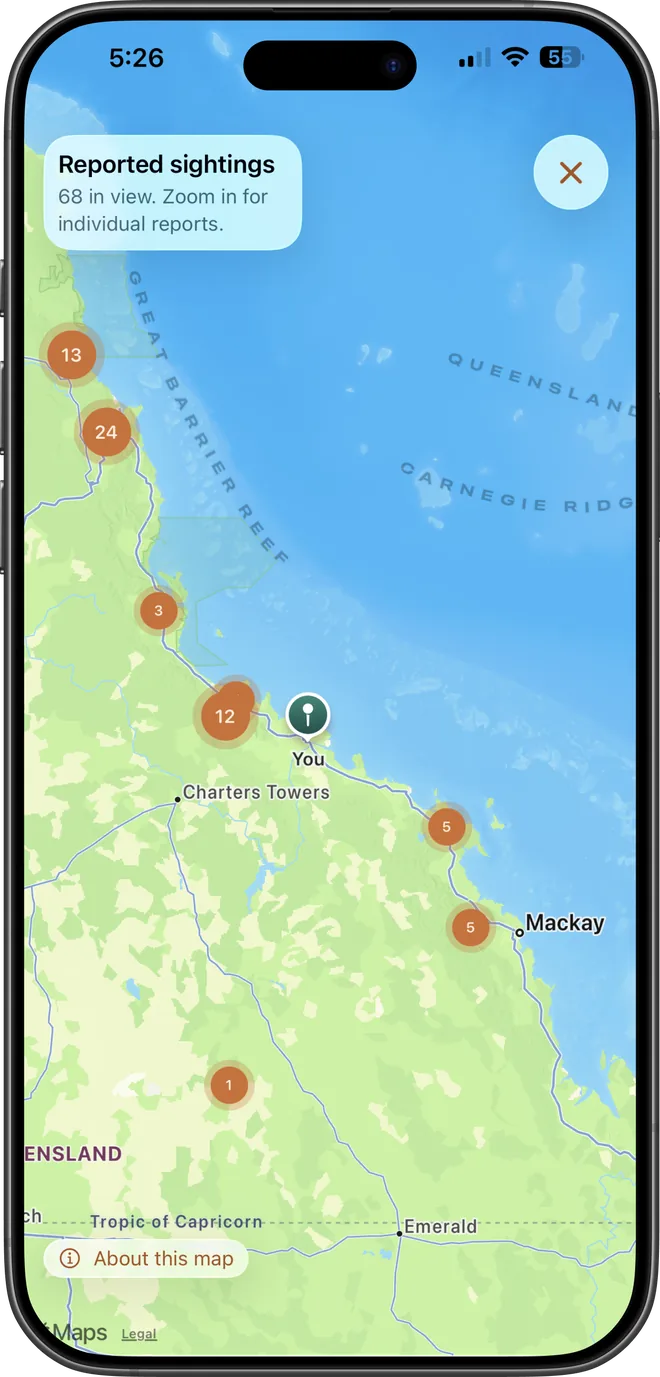
See a monthly seasonal activity profile for your approximate region, plus an offline global map of reported tick sightings drawn from occurrence records and clustered as you zoom.

Seasonal context and reported sightings, not a risk score and not a forecast of danger in your area.

TickSentry seasonal tick activity chart for Queensland on an iPhone.

Free to try

Check your first tick in under a minute.

Two free uses across Live Scan, Guided Check and Identify. No account needed.

Download on theApp StoreDownload on the App Store

Privacy by construction

The scanning happens on your phone.

Live camera frames are processed in memory on your iPhone for preview, filters and local prompts. They are not captured, saved, uploaded, or queued for upload.

Read the privacy policy

  • Live Scan and Guided Check run entirely on your device.
  • A still image leaves your phone only after you choose it, crop it, and submit it for identification.
  • Seasonal context uses an approximate region, and the sightings map works offline.
  • Saved identifications are stored on your device, and you can delete any of them.

Pricing

Try it free, subscribe if it earns it.

Free

$0

  • Two free uses shared across Live Scan, Guided Check and Identify
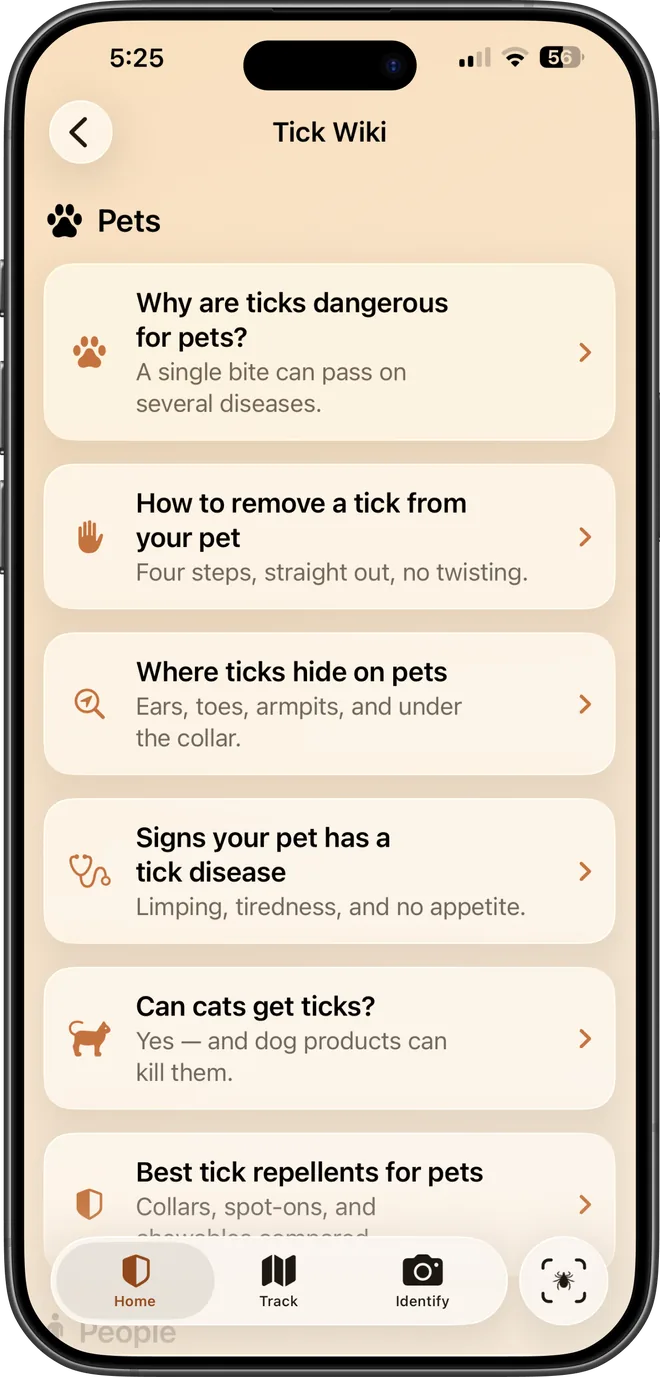
  • Full Tick Wiki access
  • Seasonal context and the sightings map

Pro · Weekly

$5.99/ week

  • Unlimited live scans
  • Unlimited guided checks
  • 100 identifications per month

Prices in USD and may vary by region. Subscriptions renew automatically until cancelled, and are managed through your Apple account.

Know what you are looking at.

TickSentry is an informational tool. It does not diagnose ticks or disease, and it cannot confirm that no tick is present. If you are worried about a bite, talk to a doctor or a vet.

Download on theApp StoreDownload on the App Store